Webcam Recorder (Mantra)
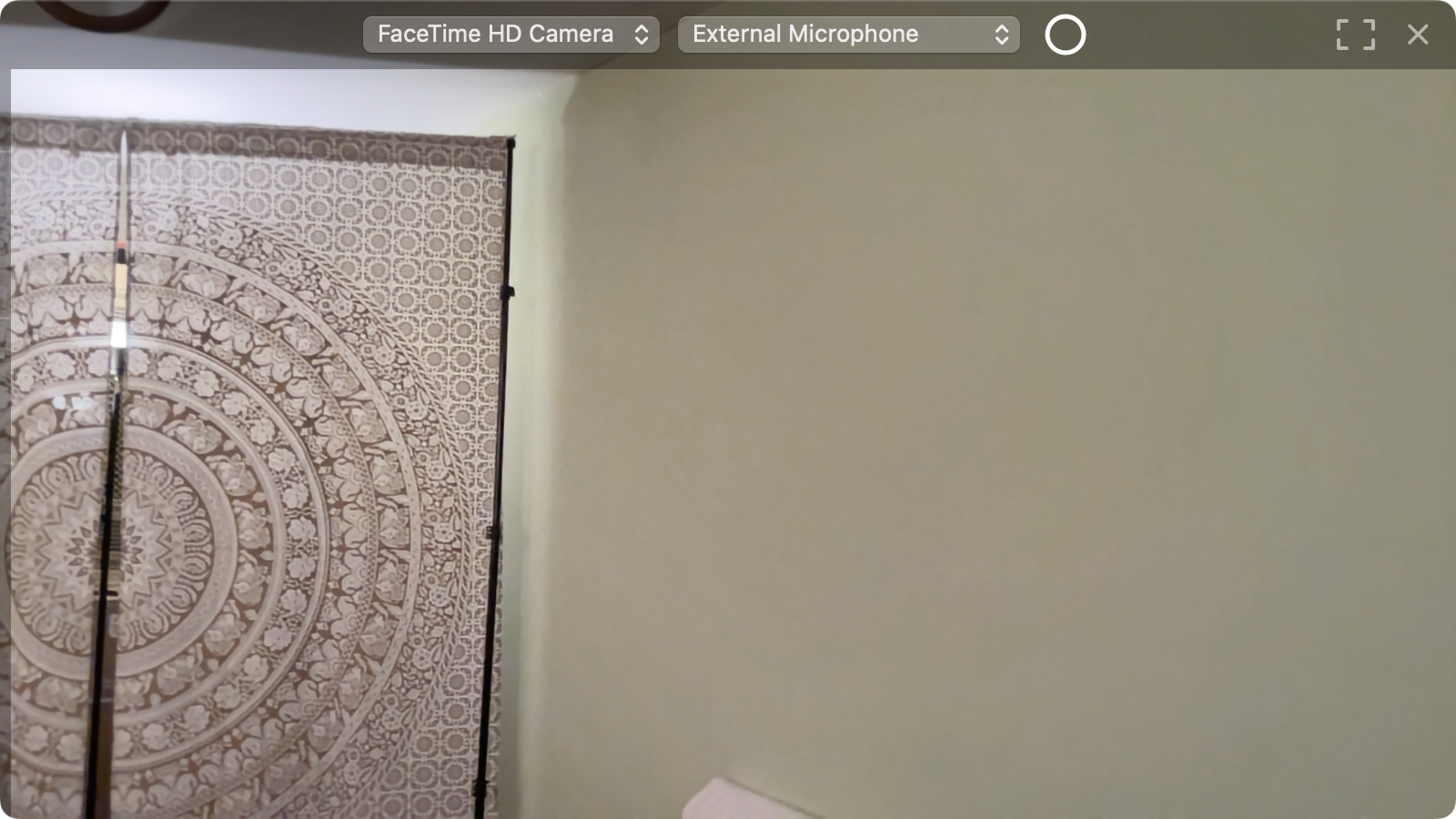
The picture of any camera your Mac sees, filling the window. Choose the camera and the sound input at the top, watch the level on the left edge, and press the round key to record. Every take carries the time of day as time code, so it lines up with your other cameras in the edit.
Version 2 · macOS 14 or newer · Apple Silicon and Intel · 0.6 MB
What it does
Any camera
The built-in FaceTime camera, USB webcams and capture cards, your iPhone, and virtual cameras like OBS, NDI and Iriun. Plug one in and it appears in the menu.
Any sound input
Every microphone and audio interface the Mac sees, or no sound. A hairline meter on the left edge shows the level in dB, with a peak that holds.
One key records
The round key turns red and the take goes to Movies/mb_date_time.mov: H.265, 1920×1080, 10 Mb/s, AAC sound.
Time code from the clock
While it records, REC 14:03:27:12 runs at the bottom. The file carries a real time code track starting at the time of day of its first frame, ready for multicam sync in DaVinci Resolve.
Nothing but the picture
The controls lie half see-through over the picture, so nothing is cropped. ⌘F is full screen with only the image; Esc brings the controls back.
Written to disk every second
A take is saved in one-second pieces while it records, so a crash costs a second, not the recording.
Install
- Open the downloaded
WebcamRecorder.dmgand drag Webcam Recorder (Mantra) onto Applications. - Open it. The first time, macOS says it cannot check the app: it is signed by its author, not through Apple's paid program. Go to System Settings › Privacy & Security, scroll down and press Open Anyway.
- Allow the camera and the microphone when asked. If you said no, the amber PERMISSIONS at the top right opens the switch.